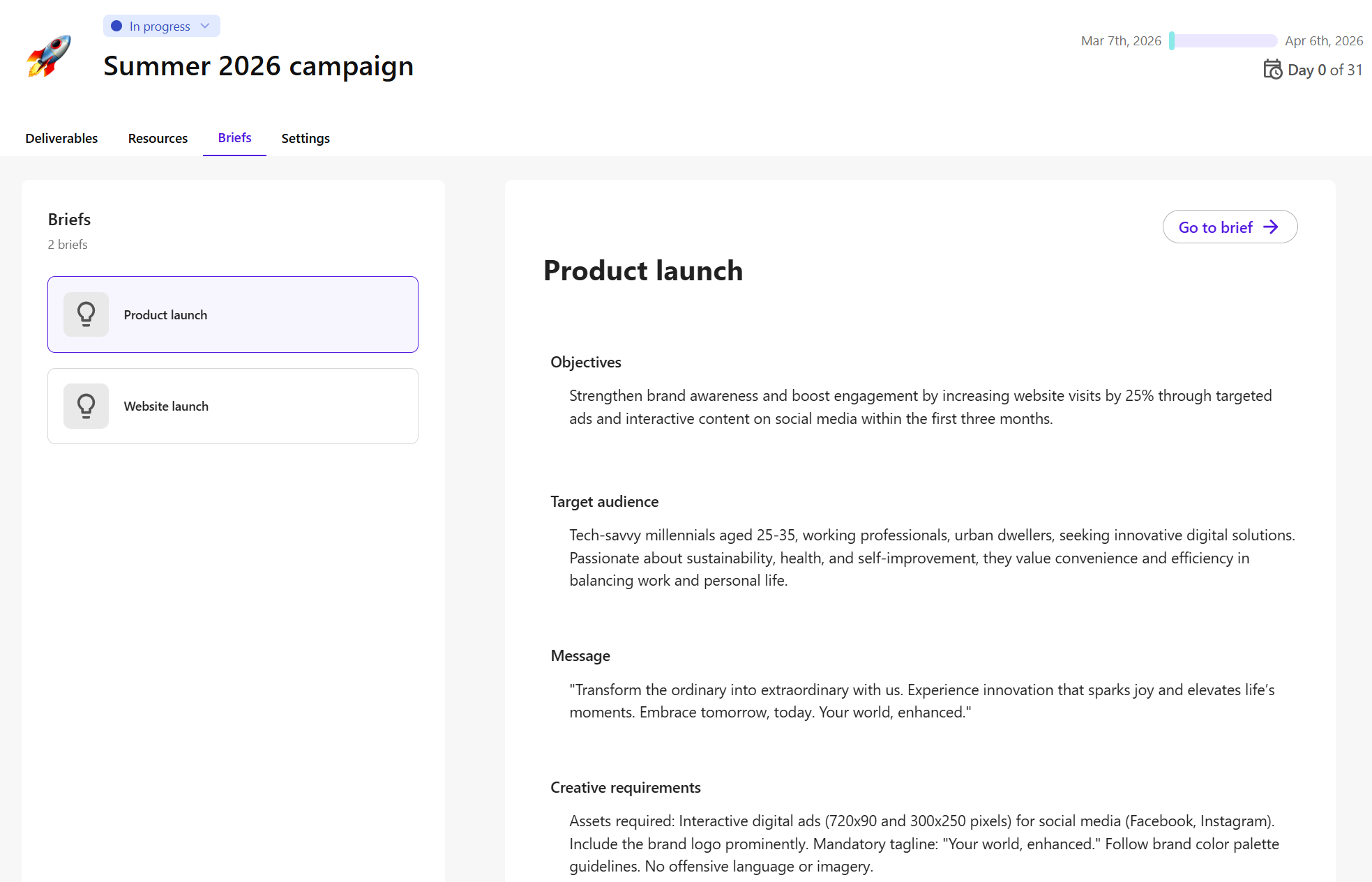
A new Briefs tab is available on the campaign overview page. This tab provides centralized access to all briefs associated with a campaign, allowing teams to review and navigate between briefs and campaigns without leaving the Campaigns interface.
What's included:
Brief previews - quickly review key information, including objectives, target audiences, core messages, and creative requirements.
Linked and converted briefs - view briefs that are directly linked to the campaign or have been converted into campaigns.
Direct access to brief details - open a brief’s details page for further review or editing.
Integrated navigation - find the Briefs tab alongside Deliverables, Resources, and Settings in the campaign overview page.